
Platform notes
- Apple
- Follow these steps with touch controls on iPhone or iPad, or use focus and select controls with the Apple TV remote.
- Android
- Follow these steps with touch controls on a phone or tablet, or use the directional pad and select button on Google TV.
1
Check filters and hidden channels
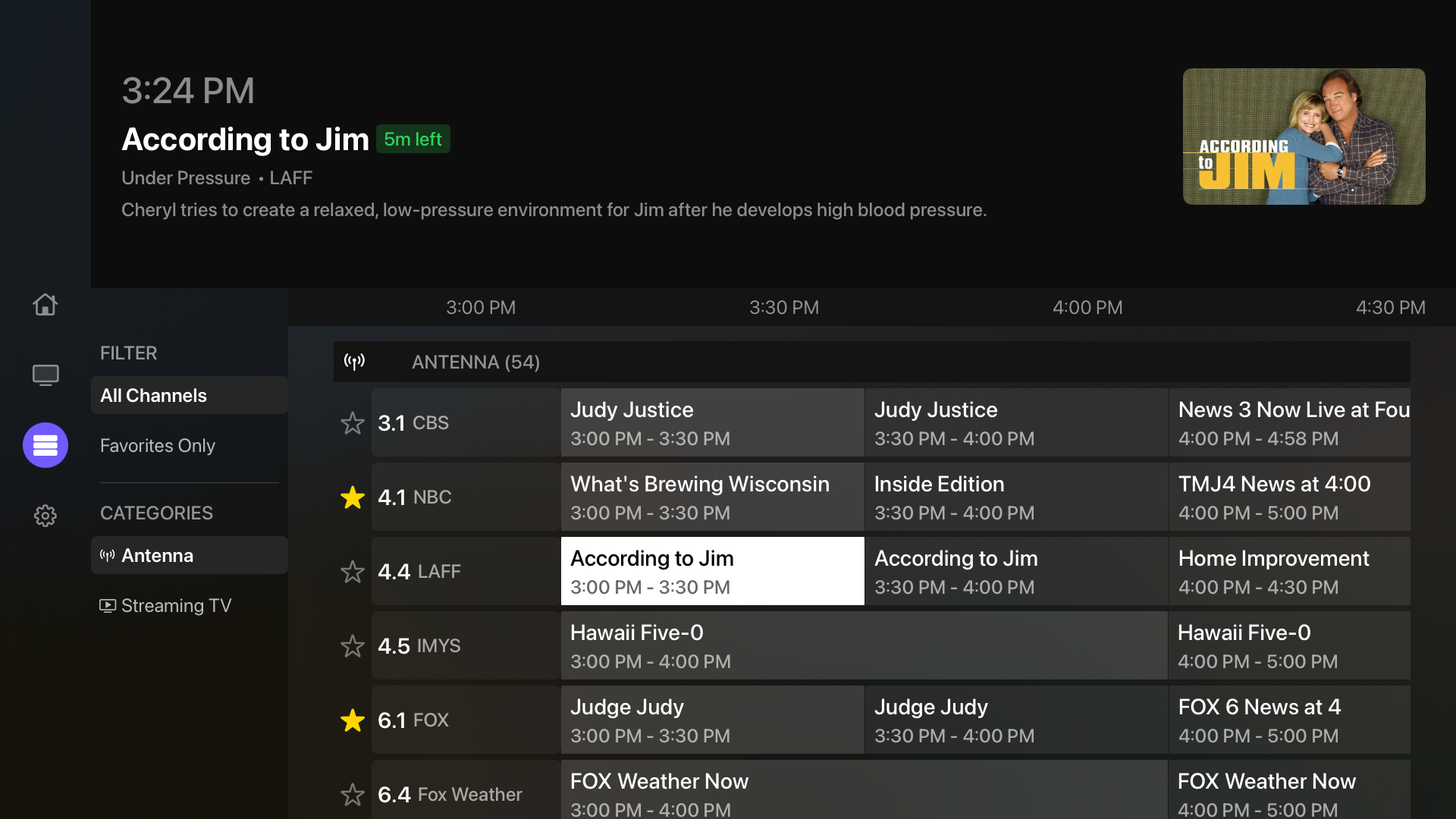
- 1Clear search text and switch Guide back to All Channels.
- 2Turn off Favorites Only Mode if it is enabled.
- 3For sources other than IPTV, open Settings, then Channel Lineup, and review the hidden channel filter.
2
Check your IPTV lineup
- 1Open the IPTV source’s Manage Channels screen and check My channels. Only channels in your lineup appear in the guide and channel pickers.
- 2If a channel is missing from your lineup, open Available channels, clear any search or group filters, and add it to My channels. Use Add group after choosing a group to include its channels together.
- 3Hide new channels is on by default. A new source starts with an empty lineup, and newly discovered provider channels stay in Available channels until you add them.
- 4After a successful provider refresh, use the Unavailable filter in My channels to review selected channels the provider no longer returns. Multiview retains their selections and customizations, but the provider must make them available again for playback.
3
Refresh the source lineup
- 1Open Settings, Manage Sources, then the affected source.
- 2Refresh its channels or rescan its tuners.
- 3For HDHomeRun or Tablo Legacy, confirm the latest lineup exists on the source device itself.
- 4If cached information appears stale, use Clear Guide Data in Settings and let Multiview reload it.
4
Check optional channel types
Plex OTA, Plex FAST, and Tablo FAST channels can be enabled or disabled independently. Open the relevant source in Manage Sources and confirm the toggle you need is on.
5
Correct overlapping channels
If a combined channel shows guide data from an unexpected source, open Source Priority and move your preferred source higher.
Good to know: Some sources do not provide guide information. Multiview cannot create missing schedules, titles, or descriptions.