Gen 4 support
Sign in to your Tablo account, discover associated tuners, and choose whether FAST channels appear.
Gen 4 and compatible Legacy devices
Bring compatible Tablo live TV, FAST channels, and DVR recordings into one flexible viewing experience—with layouts built for watching more at once.
Opens the right store for this device · Free unlimited single-channel viewing · No Multiview subscription
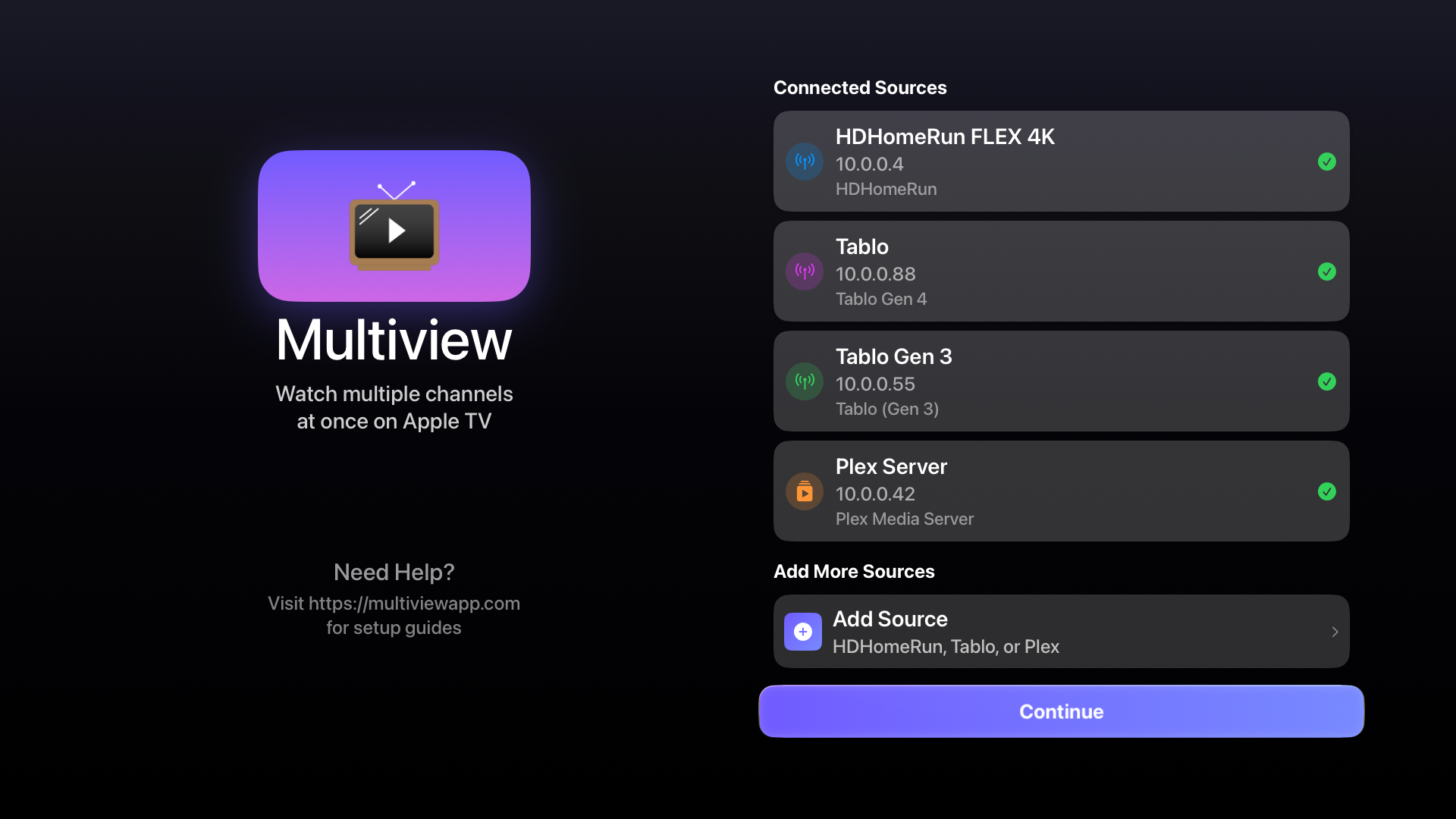
One app for both Tablo connection paths
Account sign-in for Gen 4. Local discovery for Legacy.
Made for more than one game
Keep a featured channel large, follow four channels equally, switch active audio, and save the layouts you use every week.
Sign in to your Tablo account, discover associated tuners, and choose whether FAST channels appear.
Multiview automatically looks for compatible Tablo Legacy devices during onboarding. You can also enter an IP address.
Watch compatible live channels and browse recordings supplied by your connected Tablo.
Place Tablo beside compatible HDHomeRun, Plex, IPTV, camera, and recording sources.
Quick setup
Multiview brings in the channels made available by your compatible Tablo setup. It does not replace your antenna, tuner, account, or channel source.
Use the Tablo Gen 4 sign-in flow or the Tablo Legacy local-network connection flow.
Confirm the connected tuner and lineup. Gen 4 users can independently show or hide Tablo FAST channels.
Select compatible channels or recordings, choose a two-, three-, or four-stream layout, and save it for later.
Choose your setup
Sign in with your Tablo account, discover its associated tuners, and control whether OTA and Tablo FAST channels appear in your guide.
Read the Tablo Gen 4 guideChoose Auto-Discover to find a compatible Tablo Legacy device, or enter its local IP address manually.
Read the Tablo Legacy guideStraightforward pricing
Single-channel viewing is free and unlimited. Three 15-minute trials let you test multiview, and a one-time $9.99 Pro purchase unlocks unlimited two-, three-, and four-channel layouts.
Common questions
Yes. Multiview has separate connection flows for Tablo Gen 4 and compatible Tablo Legacy devices.
Sign in with your Tablo account from Manage Sources, then let Multiview discover the tuners associated with that account.
Compatible Legacy devices connect over the local network through automatic discovery or a manual IP address or hostname.
Multiview can browse and play compatible recordings supplied by a connected Tablo. Recording availability and management remain with Tablo.
Yes. For a compatible Tablo Gen 4 source, you can choose whether Tablo FAST channels appear in the Multiview guide.
Yes. Compatible Tablo and HDHomeRun channels can appear together in the same Multiview layout.
Your Tablo. A better view.
Available on Apple TV, Google TV, iPhone, iPad, Mac, and Android.