Platform notes
- Apple
- Follow these steps with touch controls on iPhone or iPad, or use focus and select controls with the Apple TV remote.
- Android
- Follow these steps with touch controls on a phone or tablet, or use the directional pad and select button on Google TV.
1
Create a saved layout
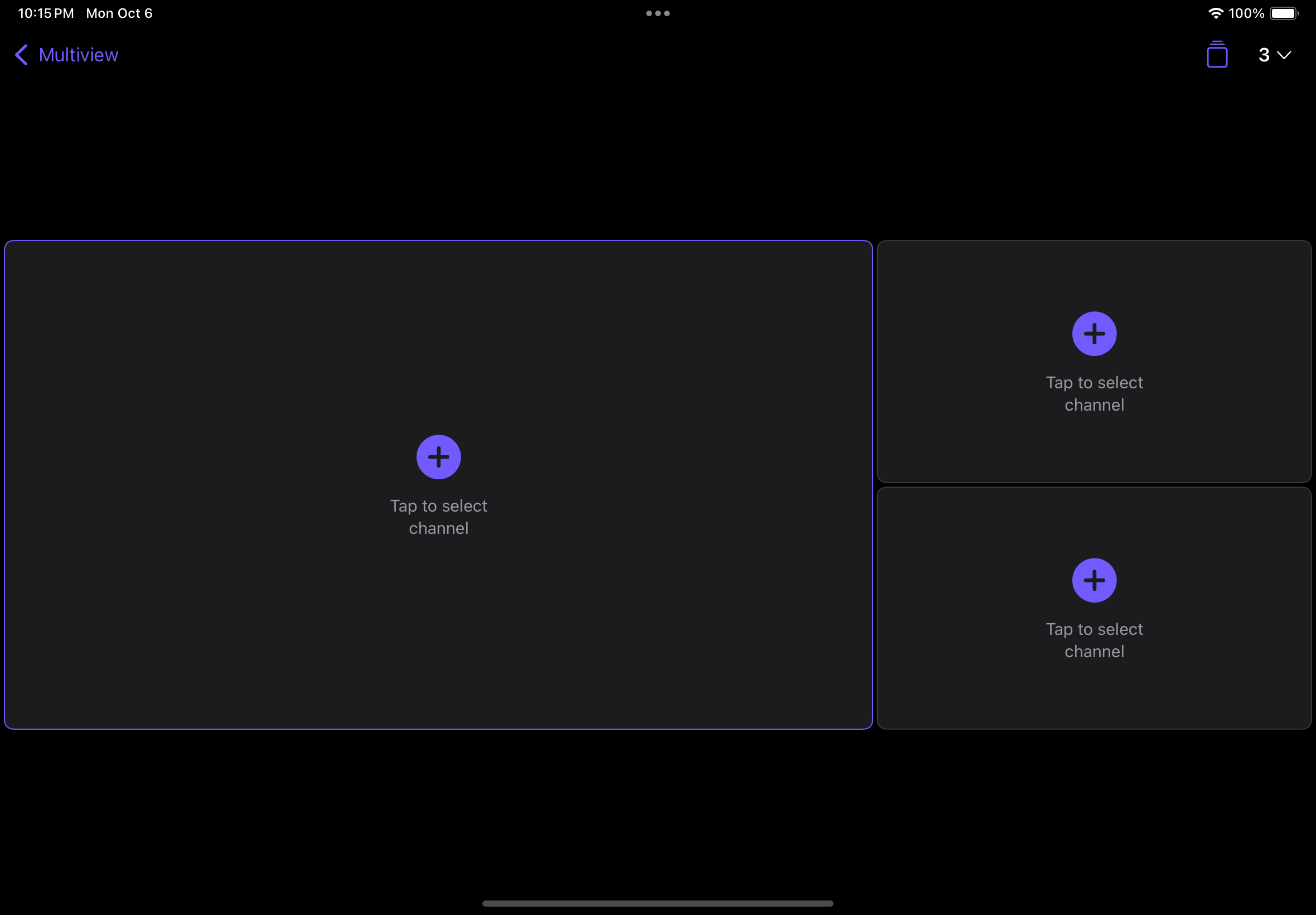
- 1Open Layouts and choose Create Layout.
- 2Choose a Grid or Featured arrangement and its number of streams.
- 3Assign content to each position and give the layout a memorable name.
- 4Save, then select the layout whenever you want to launch it.
2
Edit or remove a layout
Use the layout actions to edit its arrangement or assigned streams. Deleting a layout does not remove its channels or sources.
3
Continue watching
Last Used restores the most recent arrangement. On-demand items may resume or load paused depending on your playback setting.
Good to know: If a saved channel is no longer available, refresh the source lineup. You may need to edit the layout and choose a replacement.